 admin
admin Bulk Convert Multiple Images To WebP Without Quality Loss
1. Introduction
I created this bulk image-to-WebP converter to solve a problem I face every single day: converting dozens of images quickly without sacrificing quality. Whether you are a blogger, a web developer, or an e-commerce seller, you know that image optimization is critical for fast page loads. WebP is the modern format of choice, but most online converters either compress your images too aggressively or charge you for it. I built this tool to be completely free, fast, and lossless. You simply drag, drop, and convert. No uploads to a server, no waiting in line, no watermarks. Just pure, clean conversion right in your browser. Let me show you exactly how it works.
2. Supported Formats
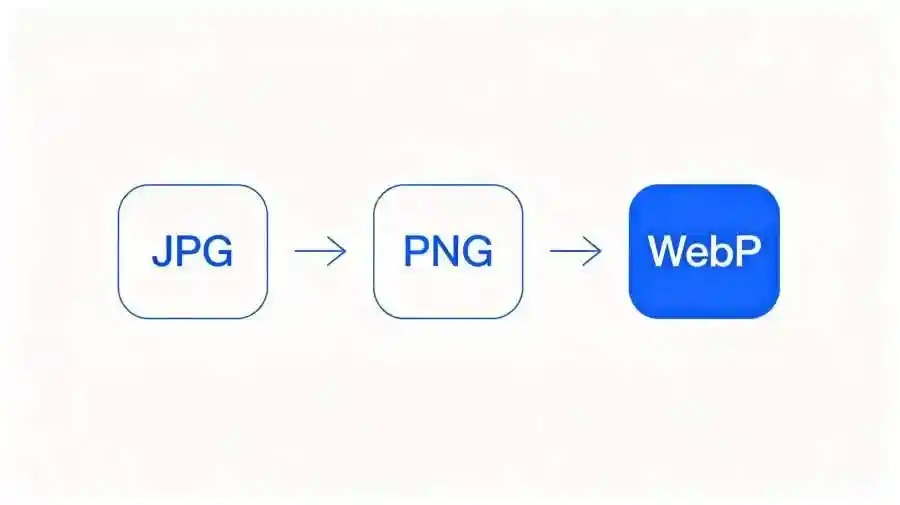
This tool supports the three most popular image formats on the web today: JPG, PNG, and WebP. JPG is the standard for photographs and complex images with lots of colors. PNG is the go-to for graphics, logos, and images that need transparent backgrounds. WebP is Google's modern format that delivers smaller file sizes with the same visual quality as JPG and PNG.
With my converter, you can go from JPG to WebP to shave off file size without visible quality loss. You can convert PNG to WebP as well, which is huge because PNG files are notoriously heavy. You can even convert WebP to JPG or PNG if you need compatibility with older systems. The conversion engine uses advanced encoding to preserve every pixel of detail. No blurry edges, no color shifting. The output looks identical to the original, just lighter and faster.
3. Single Image Conversion Steps
Converting a single image is incredibly simple. First, open the tool in your browser. You will see a large drop zone right in the center of the screen. Click on it or simply drag and drop one image file into that area. The supported formats are JPG, PNG, and WebP.
Once the image loads, you will see a preview on the left and conversion settings on the right. I recommend keeping the quality slider at 100% for truly lossless results. You can also toggle between lossy and lossless compression modes depending on your needs.
When you are ready, click the big "Convert to WebP" button. The conversion happens instantly — usually in under a second. A download button will appear below the preview. Click it, and your optimized WebP file saves directly to your device. That is it. One image, one click, done.
4. Batch Conversion Steps
This is where the tool really shines. Instead of converting images one by one, you can process dozens or even hundreds of files at once. Start by clicking the drop zone and selecting multiple files from your folder. You can hold Ctrl (or Cmd on Mac) to select several images at the same time, or just drag an entire folder into the drop zone.
All selected images will appear as a list on the left sidebar. You will see thumbnails, file names, and original sizes. The tool automatically queues every single file for conversion. Adjust your quality settings once, and they apply to all images — no need to configure each one individually.
Hit "Convert All", and watch the progress bar fill up in real time. Each file converts in milliseconds. Once finished, click "Download All" to get a single ZIP file containing every WebP image. Batch processing has never been this effortless.
5. Why This Tool Stands Out
Let me tell you why I built this tool the way I did. First, it is 100% pure frontend. That means every bit of conversion happens inside your browser using WebAssembly. Your images never leave your device. There is zero server communication, which means zero bandwidth cost and zero privacy risk.
Second, there are no watermarks. I hate when free tools stamp a giant logo across your converted images. Not here. The output is clean and professional, ready to use on any website.
Third, no registration required. You do not need to create an account, give me your email, or sign up for anything. You open the page, convert your images, and leave.
Finally, because it runs locally on your machine, it does not consume any server resources. It works even when you are offline. This is the fastest, most private, and most honest image converter you will find online.
6. Final Thoughts
If you need to convert images to WebP fast, in bulk, and without any quality loss, this tool was built exactly for you. No signups, no watermarks, no server uploads. Just open it, drop your files, and download perfectly optimized WebP images in seconds. Try it now — your website will thank you.
发表评论